
3D Scanning

November 18, 2026
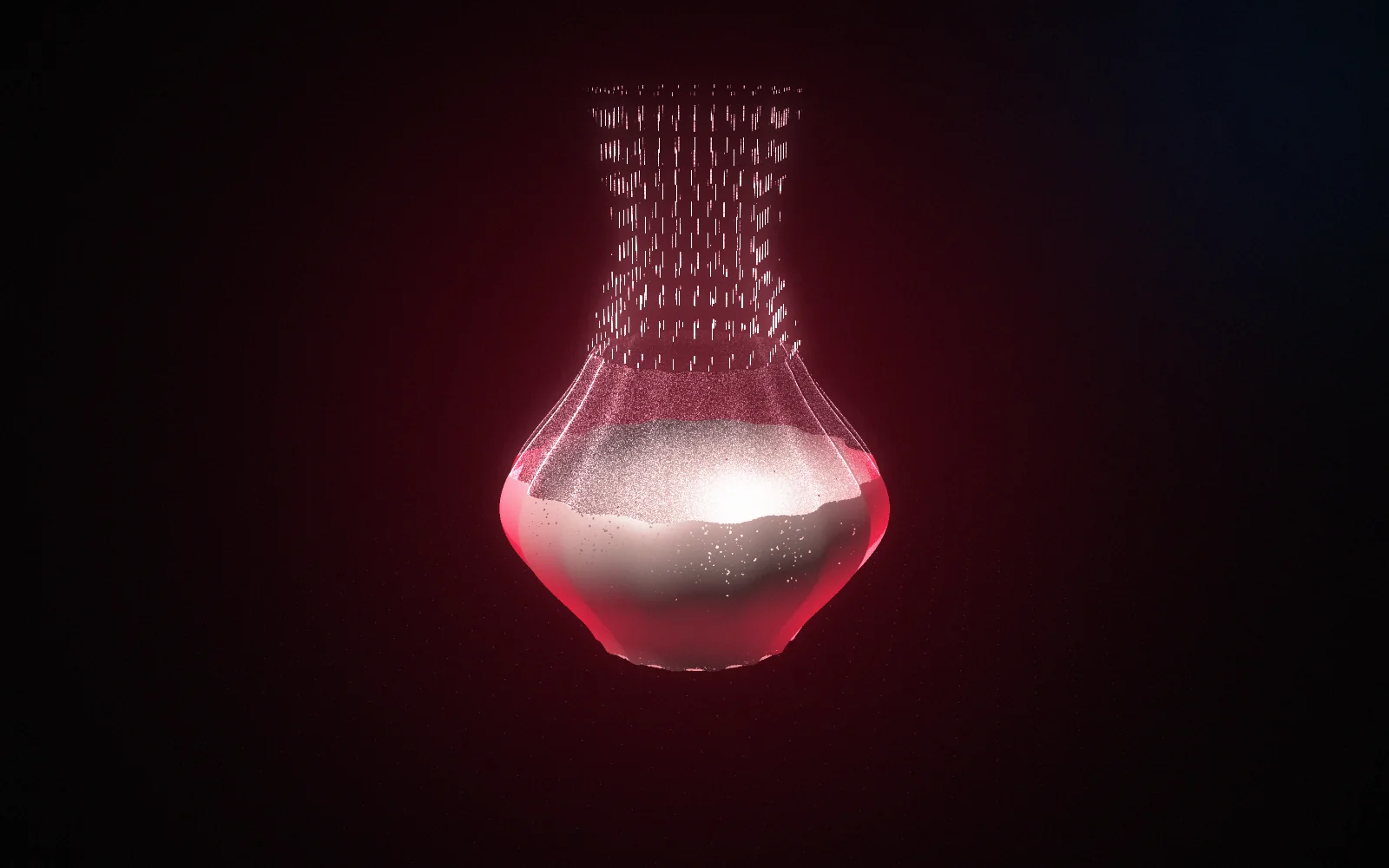


TL;DR: Digitising a physical object means measuring its shape and turning it into a file. That file can be printed, machined, modified, archived, shared or checked against a drawing, which is why the same process serves museums, engineering firms and orthopaedic clinics. This post covers the six main uses, how long capture takes in practice, and the things a scan will never record.
The Smithsonian has digitised more than a million objects from its collections. A packing plant in Essex digitises one bracket at a time. Same technology, same basic idea, wildly different reasons.
Digitising a physical object gets treated as an end in itself, which it isn't. Nobody wants a file. What people want is what the file lets them do afterwards: print a replacement, modify a design, prove a part is in tolerance, or make sure the only surviving example of something outlives the shelf it sits on.
Here's what the process gives you, what it's used for across some very different industries, and where it stops.
It means measuring an object's surface and recording it as digital geometry. A scanner captures millions of points across the surface, software joins them into a continuous skin, and the result is a file that can be measured, modified, shared and manufactured from. The object stays where it is.
What comes out sits at one of two levels. A mesh is the surface itself: accurate, viewable, printable, and fixed. A CAD model rebuilds that surface as features with editable dimensions. The mesh is a photograph with measurements in it. The model is a design.
Which one you want depends entirely on what happens next, and it's the first question our 3D scanning service asks. Archiving needs a mesh. Manufacturing usually needs the model.
Six things, mostly. Replacing parts nobody makes any more, checking that manufactured parts match their drawings, designing around objects that already exist, making things fit people, preserving objects that can't be replaced, and creating digital assets for film, games and marketing.
Replacing what you can't buy. The largest commercial use. Obsolete components get captured, rebuilt and made again, and the file goes into a virtual catalogue to be printed at the point of need rather than stockpiled. It matters because tooling gets scrapped and suppliers disappear long before the machines they supplied do.
Inspection. Compare a made part against the model it came from and get a colour map of the difference.
Designing around what exists. A new bracket that has to bolt onto a twenty-year-old frame needs that frame measured first, which is where reverse engineering and new design meet.
Fit to people. Orthotics, prosthetics, helmets, seating, anything shaped to a body.
Preservation. Objects that are fragile, irreplaceable or at risk.
Digital assets. Scanned geometry feeds reference models for film and visual effects work and asset libraries for games, along with product visuals and augmented reality.
Longer than the scanning. For a sculpture-sized object, heritage teams budget 60 to 90 minutes including processing and checking, and get through 8 to 12 smaller objects a day when working in batches. A small engineering part is quicker to capture and slower to model, because the modelling is the real work.
Those heritage figures come from a Flemish digitisation programme, which puts an average sculpture at 60 to 90 minutes including processing time and on-site checking, with eight to twelve smaller objects per day in batch working. It's rare to see anyone publish that, and it's a useful sanity check against quotes that promise a collection in an afternoon.
Volume changes the arithmetic completely. When CyArk worked with the British Museum they documented a large part of the Assyrian Collection in three days. Setting up once and working through a stack of objects is far cheaper per object than doing them one at a time, which is why we quote batches as batches.
Heritage digitisation is the clearest case for the argument, because there's no second chance at it.
Institutions scan objects that are too fragile to display or too complex to study easily, which turns something locked in a store room into something a researcher in another country can examine. The British Museum's digital collection now runs to thousands of searchable 3D objects.
It goes further than archiving. One UK studio took capture data from Petra, one of the more remote archaeological sites in the world, and carried it through to an immersive educational experience. The scan was the raw material for something that didn't exist before.
The same logic applies at a smaller scale to anything with one surviving example. A tooling pattern. A prototype from a project nobody documented. A part where the last one in the country is the one currently fitted to your machine.
Fit is where digitising beats measuring, because bodies and old assemblies both refuse to be described by a list of dimensions.
In orthotics and prosthetics the traditional method is a plaster cast, and plaster shrinks, expands or warps while it dries and while it's shipped. A scan doesn't. One Dutch orthopaedic firm reported cutting the time, labour and cost of designing and making its devices by 90 per cent after moving to scanning. The digital cast can also be reused for replacements and modifications, which plaster cannot.
Industrial fit works the same way. Scanning the space a new component has to occupy, rather than the component itself, lets you validate that an installation will fit first time before anything is made. On a retrofit into a twenty-year-old machine, that's the difference between one visit and three.
From there the file goes to our product design team and out through industrial 3D printing or low volume manufacturing, depending on how many you need.
The outside surface, and nothing else. A scan records what light can reach, so internal cavities, sealed voids and blind features stay invisible. It records shape rather than material, so nothing in the file tells you what the object is made of or how strong it is. And it records the object as it is now, wear included.
Access is the practical limit. Academic work on real digitisation campaigns notes that they routinely diverge from the ideal workflow because of object accessibility, surface properties, lighting and what's operationally possible on the day. An object in a case, bolted to a wall or too fragile to turn over is a different job from one on a turntable.
Surfaces matter as much as access. Translucent and reflective materials are harder to capture with a projected pattern, so glass, polished metal and clear plastics need preparation or a different approach.
None of that makes digitising less useful. It makes it worth asking, before you start, what question the file is meant to answer.
Two things to take away. The file is the point, not the scan, so decide early which kind you need, because a mesh and a CAD model cost very different amounts. And digitise in batches where you can, because the setup is most of the cost on small objects.
Tell us what the objects are, roughly how many there are, and what you want to do with them afterwards. Email sales@nexform.co.uk or use the contact form with a CAD file, a sketch or the object itself.
Written by
A mesh is the raw digitised surface: accurate to look at, print and measure against, but not editable. A CAD model rebuilds that surface as features with dimensions you can change. If the object is going into a museum archive or onto a printer, the mesh is enough. If it's going back into production or needs modifying, you want the model.
Almost anything solid and opaque, from a few millimetres up to large assemblies. Glass and clear plastics need coating first. Very dark and very shiny surfaces are harder and sometimes need preparing. Anything soft enough to change shape while it's handled is difficult, because the object has to hold still and hold its form.
Yes, and it's one of the more common reasons people ask. A digitised object can be scaled up or down and reprinted at whatever size suits, though scaling changes wall thicknesses and how the part behaves, so a functional item usually needs redesigning rather than simply enlarging.
Yes. Send the batch and we'll quote it as a batch, which works out cheaper per object than sending them one at a time. Tell us the range of sizes and materials involved so we can plan the capture properly rather than treating every piece as a fresh problem.
The model belongs to you. It's the reason the exercise is worth doing: you've turned a physical object into something you can store, share, measure, modify and remake without needing the original in front of you again.
No. A scan records the outside surface, so cavities, internal channels and anything sealed inside stay invisible. Internal features get measured by hand where they're reachable, worked out from the mating parts, or captured by CT scanning, which is a different service from a different kind of supplier.
3D Scanning
November 18, 2026
Read More →
3D Scanning
November 4, 2026
Read More →
3D Scanning
October 28, 2026
Read More →


